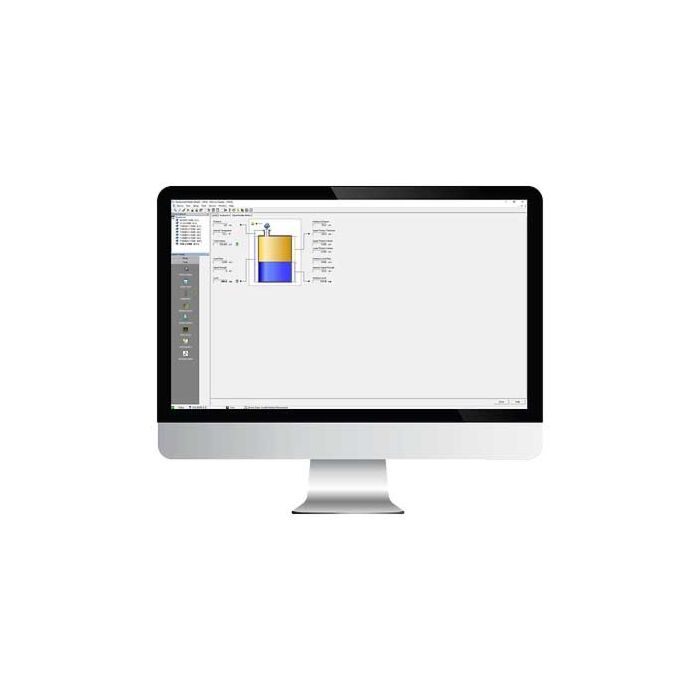
The Rosemount Radar Master Software is the ultimate configuration software for radar devices due to its user-friendly interface with wizards and echo plot view. It supports HART, Foundation Fieldbus, and Modbus protocols to fit your plant's infrastructure. Features such as offline/online configuration, extensive online help, and logging capabilities makes the Rosemount Radar Master your first choice for configuration. Also, it features an echo plot view for exact overview of the radar echoes in the tank, and the intuitive wizard will guide you through the configuration in just a few minutes.
Radar Master has been designed to run on the new AMS Trex 2 Device Communicator providing reliability engineers and maintenance technicians with advanced tools for configuring, monitoring and troubleshooting tank measurement devices.
- Interactive Tank Visualization - Dynamic tank graphics, including cylindrical and spherical tank representations, combined with an intuitive touchscreen interface, simplify device setup. The visualized tank geometry mirrors actual tank dimensions, enabling technicians to optimize measurement settings and minimize false echoes caused by internal structures such as ladder rungs, agitators, and baffles.
- Advanced Echo Tuning - Enhanced echo tuning capabilities help improve tank level measurement accuracy and reliability.
- Built-in Trending and Diagnostics - Users can monitor tank levels, review alert histories, and analyze trends through an integrated historian, making it easier to identify and diagnose potential issues.
- Data Export Capabilities - Configuration settings and level trend data can be exported for further analysis and review by subject matter experts.
- Designed for Field and Hazardous Environments - The AMS Trex 2 features one-handed operation and intrinsic safety ratings, allowing technicians to work safely and efficiently in confined and potentially hazardous tank environments.
- Historical Configuration Tracking - Technicians can view and compare historical configuration snapshots through a timeline feature, providing valuable insight into system changes over time and supporting more effective troubleshooting.
- Supported Transmitters: Rosemount 5300
- Operating Systems: Windows 7 (32- and 64-bit) and Windows 10
To streamline maintenance workflow, the Radar Master functionality can be launched by tapping the Radar Master app icon on the Home page or directly through the Field Communicator app. If licensed, tapping Radar Master will automatically launch the Field Communicator app. Once connected to the Level device, the device screen will display along with a dynamic rendering of the current tank configuration. Tap the Field Communicator app menu to access the Radar Master features.
What's included with this Release
- Radar Master 2.1 Verify Radar Master licensing and launch Radar Master functionality built into the Trex Field Communicator app
- Trex Field Communicator 2.3 Support Radar Master functionality and Trex keypad buttons to quickly navigate and select app and DD menus!
- Upgrade Studio 2.2 Support the transfer of collected Radar Master data from Trex to PC
- Intuitive wizard that will guide you through the configuration with ease
- The echo plot view offers you total overview of the echoes in your application
- Filled with functions that enable you to stay in full control of you radar device